Overview
Enter an ID or choose from history to connect instantly
Organize connections into folders, and export or import only the connection destinations you need.
Learn more about features FlashDesk
Bring screen sharing, remote control, SSH, recording, and file transfer together in one app. You can also use AI tools such as Claude and ChatGPT to view and operate remote PCs and run commands.
1. Download
2. Run
3. Connect
Free is for personal, non-commercial use. Pro is available for teams and business, so you can expand naturally as your needs grow.


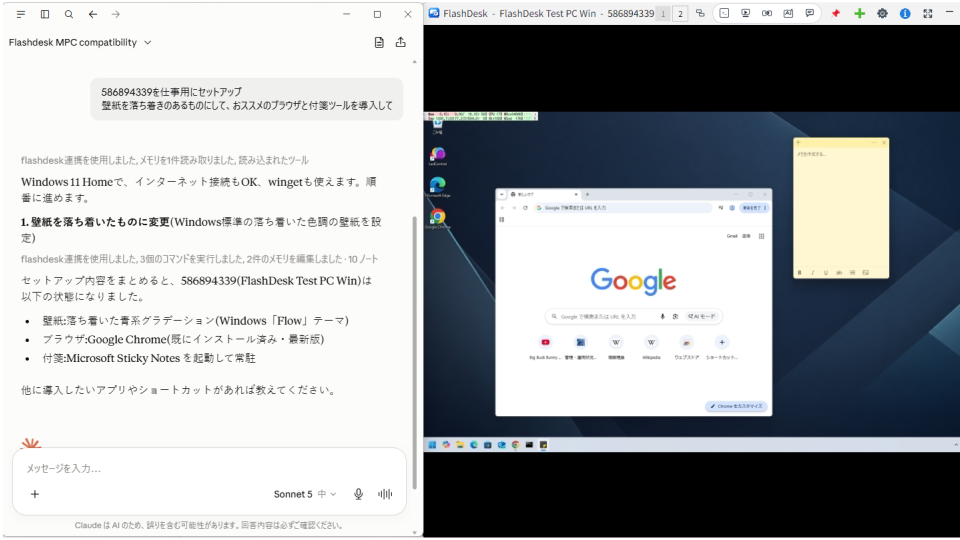
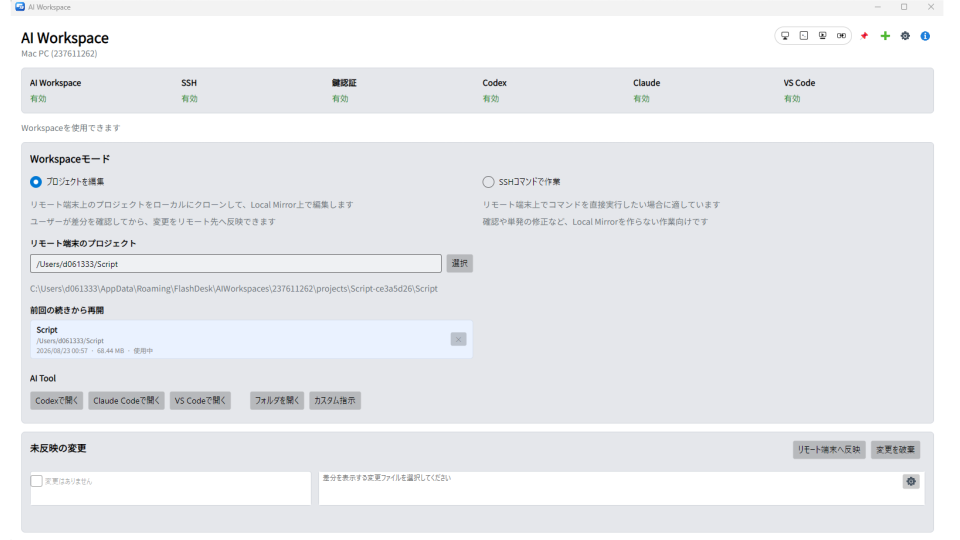

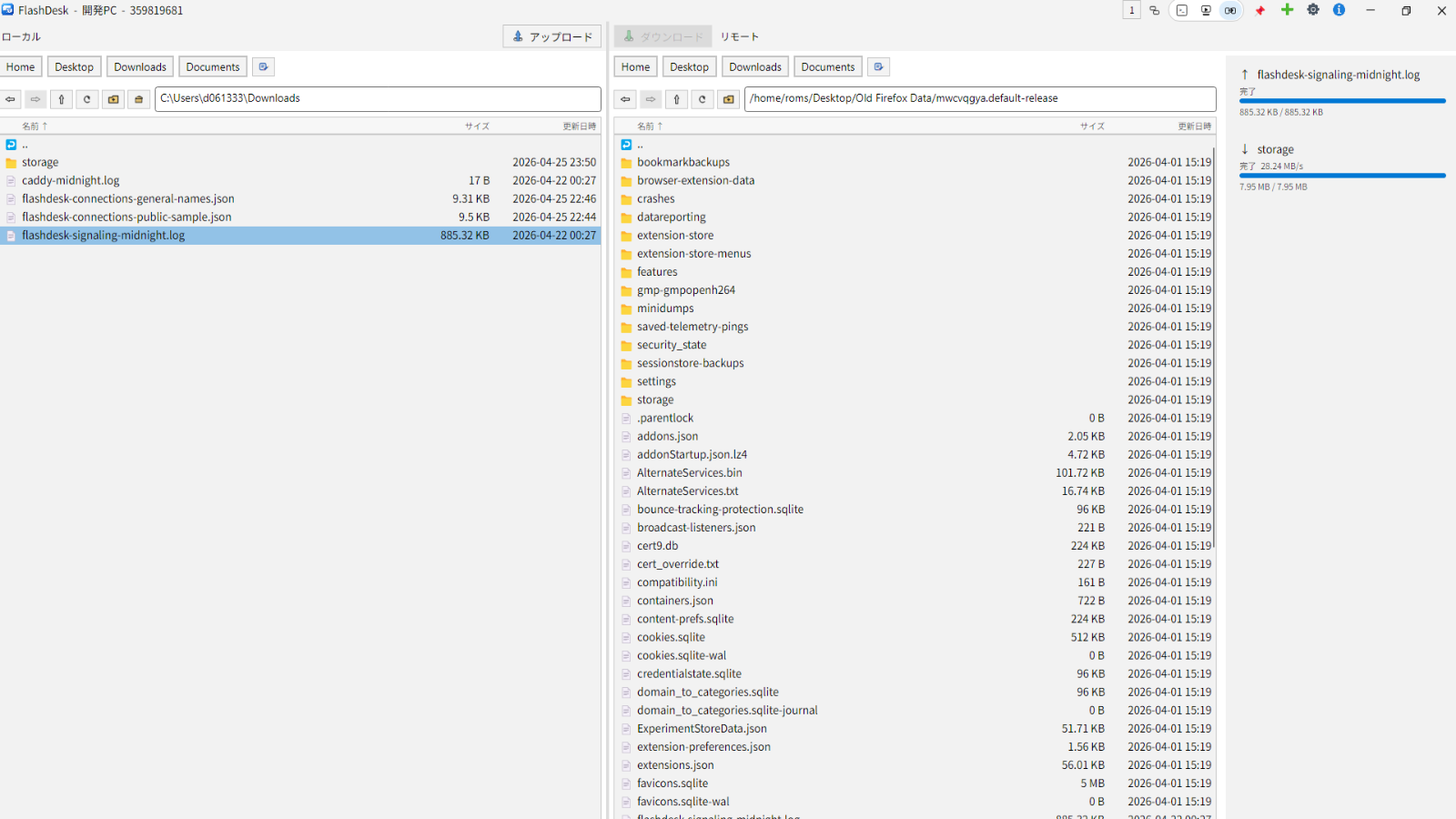
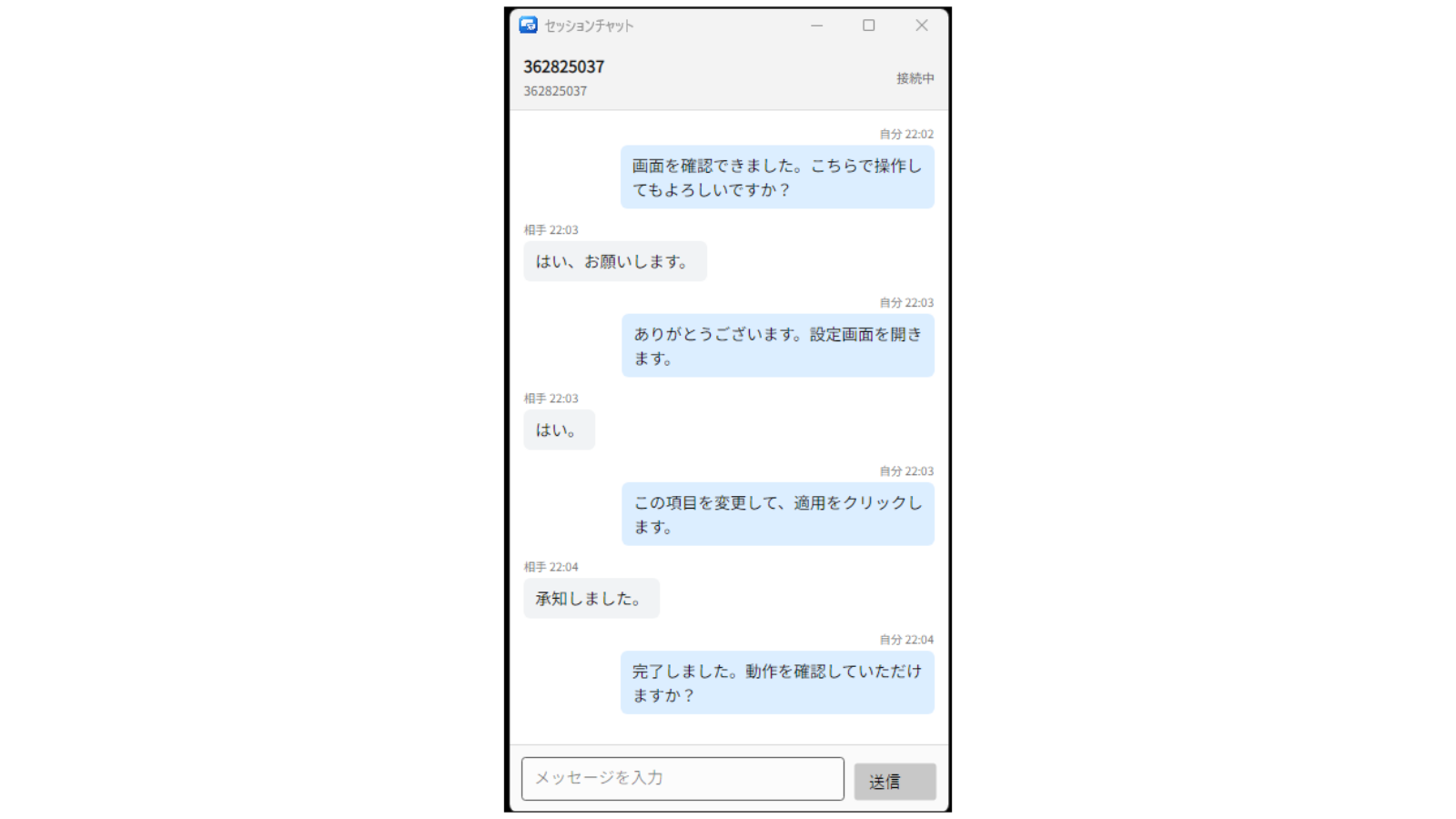


Bring a wide range of remote work into one flow, with less switching and less confusion.
Organize connections into folders, and export or import only the connection destinations you need.
Learn more about featuresPersonal, non-commercial use is free. Pro adds centralized seats, licenses, and billing for teams and business.
Learn more about securityPersonal, non-commercial use is free. Pro adds centralized seats, licenses, and billing for teams and business.
Free is for personal, non-commercial use. Pro is available for teams and business, so you can expand naturally as your needs grow.
A quick look at how FlashDesk's built-in features line up with other popular remote desktop tools.
| Feature | FlashDesk | TeamViewer | AnyDesk | Chrome Remote Desktop | RustDesk |
|---|---|---|---|---|---|
| Pricing for business / team use | From $6.99 (¥980) / month | From $18.90 / month *3 | From $12.99 / month *3 | Free | Client free, Pro server from $9.90 / month *4 |
| Free personal use | ○ | ○ | ○ | ○ | ○ |
| Screen sharing / remote control | ○ | ○ | ○ | ○ | ○ |
| SSH / remote terminal | ○ | ○ | △ *1 | × | ○ |
| Session recording / playback | ○ | ○ | ○ | × | ○ |
| Built-in MP4 export of recordings | ○ | × | × | × | × |
| File transfer | ○ | ○ | ○ | △ *2 | ○ |
| Chat | ○ | ○ | ○ | × | ○ |
| MCP (AI tools control the app directly) | ○ | △ | × | × | × |
| AI Workspace (remote coding agent) | ○ | × | × | × | × |
| Admin console (seats / licenses / billing) | ○ | ○ | ○ | × | △ *4 |
| Dedicated route mode (limit traffic to a fixed route) | ○ | × | × | × | × |
| Supported OS | Windows / macOS / Linux / Android / iOS | Windows / macOS / Linux / Android / iOS | Windows / macOS / Linux / Android / iOS | Windows / macOS / Linux / Android / iOS | Windows / macOS / Linux / Android / iOS |
| Wayland support on Linux | ○ | △ *5 | × | × | ○ |
○: available / △: partially available / ×: not provided as a built-in feature.
*1 AnyDesk provides Remote Shell between Linux devices.
*2 Chrome Remote Desktop supports upload / download style transfers only.
*3 USD list price of the cheapest plan billed annually (TeamViewer Remote Access / AnyDesk Solo).
*4 RustDesk paid plans and the admin console require self-hosting your own server.
*5 TeamViewer on Wayland supports screen viewing only; remote input and unattended access require X11.
Based on our own research as of August 2026. Please check each official site for the latest features and pricing. TeamViewer, AnyDesk, Chrome Remote Desktop, and RustDesk are trademarks of their respective owners.
See detailed comparisons: FlashDesk vs TeamViewer · FlashDesk vs AnyDesk · FlashDesk vs RustDesk · FlashDesk vs Chrome Remote Desktop
We keep these FAQs separate so you can reduce uncertainty before using a remote access tool.
Personal, non-commercial use is free. Download and launch FlashDesk on both devices, then enter the home PC's destination ID on the device you are using. Approve the connection manually when someone is at the home PC, or use a preconfigured password for unattended access. Review the pricing terms and security details, then download FlashDesk.
Personal, non-commercial use is free. Unpaid help for family is covered; paid support or other business or commercial use requires Pro at ¥980 per seat/month, tax included. Download and launch FlashDesk on both devices, enter the destination ID, and ask your family member to approve the connection manually. For unattended access, configure a password on the destination in advance. Review the pricing terms and security details, then download FlashDesk.
Business, organizational, and commercial use requires Pro at ¥980 per seat/month, tax included. Download and launch FlashDesk on both devices, then enter the maintenance target's destination ID on the Viewer. Use manual approval for attended work or a preconfigured password for unattended maintenance. Review the pricing terms and security details, then download FlashDesk.
It fits home PC access, helping family members, checking distant servers, and maintaining multiple devices. Screen sharing, remote control, SSH, recording, and file transfer are all handled in one app.
Free is a good fit for personal, non-commercial use. Pro is better for ongoing business or commercial use. With Pro, seats, licenses, and billing can be managed together from the Admin console.
It supports Windows, macOS, Linux, Android, and iOS. On Linux, it also supports use in Wayland environments. Distribution formats are available per OS and architecture.
Just download it, launch it, and enter the destination ID to start connecting. Frequent destinations can be chosen from history.
Yes. Free is for personal, non-commercial use and includes screen sharing, remote control, SSH, recording/playback, and file transfer. If usage becomes long-running or traffic becomes large, data-saver mode may apply.
Traffic is encrypted, and the design takes connection approval and operational management into account. Video and control data are exchanged directly between devices, so you can use FlashDesk with confidence.
* Depending on network conditions, connections may also be routed through servers.
For more details, please see the features page and policy documents.
Choose your OS and download it to try the core features right away.
Free is for personal, non-commercial use. Pro is available for teams and business, so you can expand naturally as your needs grow.